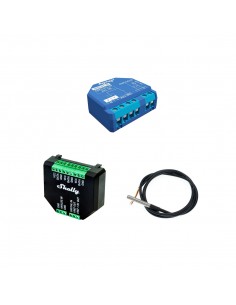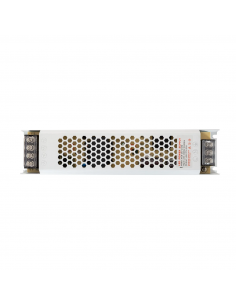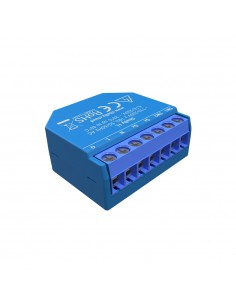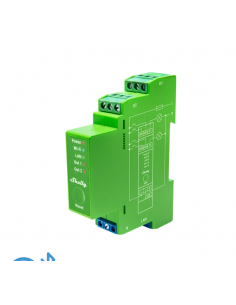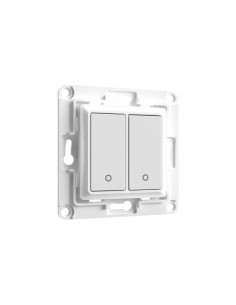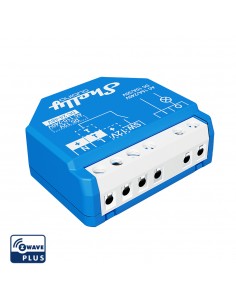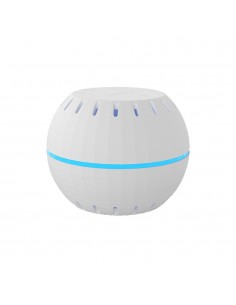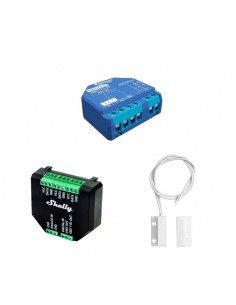
Tira LED RGB 24V DC 60LED/m 5m
Frequently Asked Questions
What are the wiring requirements for the Tira LED RGB 24V DC 60LED/m 5m? +
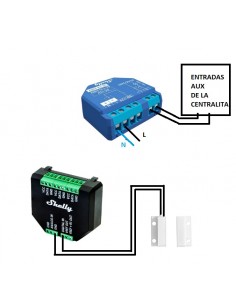
The Tira LED RGB strips operate at a voltage of 24V DC. It is essential to use a compatible power supply that can deliver the required voltage and current, considering the amperage limit is typically around 5A per 5m strip. Ensure that the wiring can handle the current load and that a neutral wire is provided if necessary. Use appropriate gauge wires, such as 1.5mm² for longer runs to minimize voltage drop.
How do I integrate the Tira LED RGB with Home Assistant or other automation platforms? +
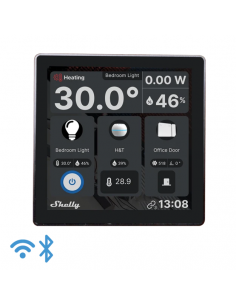
The Tira LED RGB strips are compatible with Home Assistant through MQTT or REST API. Ensure that your Home Assistant setup is correctly configured to communicate with the LED controller. For MQTT, you will need to install the MQTT broker and configure topics to control the LED colors and brightness. Additionally, you can integrate with Alexa and Google Home for voice control by linking the smart control via their respective apps.
What typical use cases are there for the Tira LED RGB strips? +
The Tira LED RGB strips are commonly used for ambient lighting in residential settings, such as under cabinets, along hallways, and in home theaters. They can also be utilized in commercial spaces for decorative lighting or signage. The flexibility and color-changing capabilities make them ideal for events and mood lighting.
What are the differences between the Tira LED RGB 24V strip and other types of LED strips? +
The primary differences between the Tira LED RGB 24V strip and other LED strips include the voltage rating (24V vs. 12V), the density of LEDs per meter (60 LEDs/m), and the color capabilities (RGB vs. single color). The 24V strips are generally more efficient over longer runs, reducing voltage drop and allowing for brighter output compared to 12V strips.
What troubleshooting steps should I take if my Tira LED RGB strip is not functioning correctly? +
If the Tira LED RGB strip is not working, first check the power supply to ensure it is supplying the correct voltage. Verify all connections and make sure there are no short circuits. If the strip lights up but does not respond to color changes, check the integration settings with your automation platform. Confirm that the controller is properly configured to send commands to the LED strip.