Filter By
Filter By
Price
  • €1.00 - €627.00

Categories

Accessories

Filter By
€3.51 No tax
Registrate y consigue un descuento
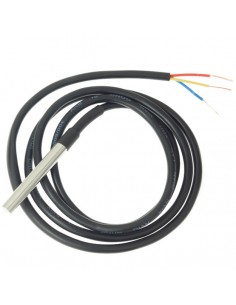
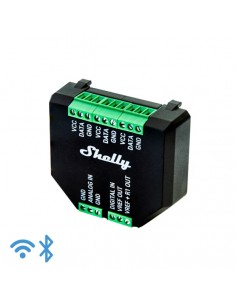
SHELLY TEMPERATURE SENSOR DS18B20 temperature probe for Shelly Addon. The probe connects with the SHELLY ADDON and in turn with an SHELLY 1 o SHELLY 1PM. This allows us to measure temperatures and activate the relay...
€4.72 No tax
Registrate y consigue un descuento
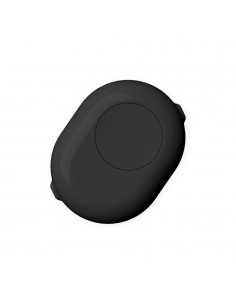
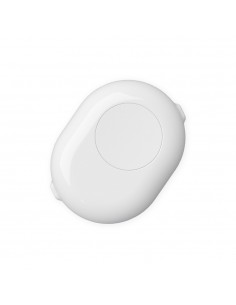
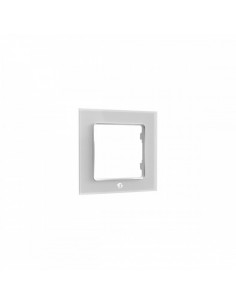
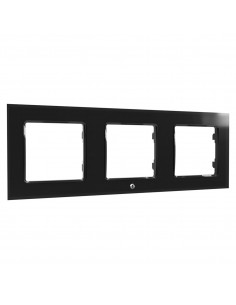
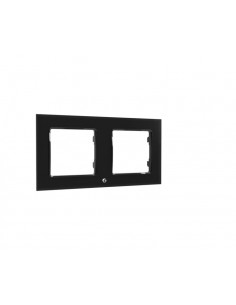
The switch frame needs to be attached to the Switch button. The switch frame comes with a frame plate in the same color for a stylish final touch.
€3.51 No tax
Registrate y consigue un descuento
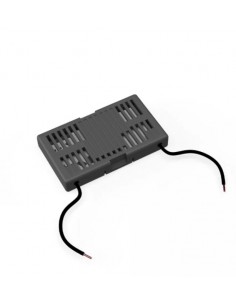
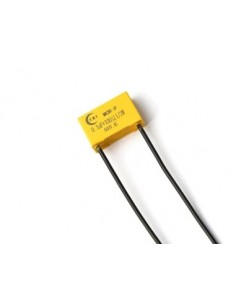
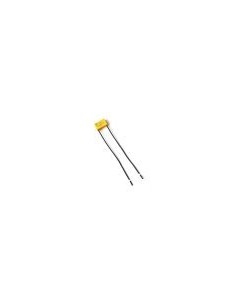
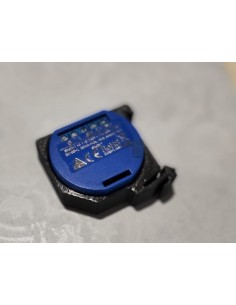
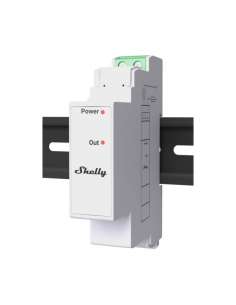
SHELLY BY PASS Load for installations that do not meet the minimum power, for the use without neutral of the Shelly Dimmer2 and Shelly 1L relays.
€8.71 No tax
Registrate y consigue un descuento
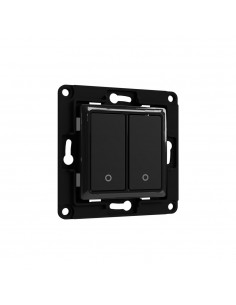
The 2 buttons switch comes with attachable relay holders. Shelly Wall Switch for Smart Relays can fit into any existing wall switch console or even the tiniest spaces, due to its compact dimensions and simple wiring.
€8.71 No tax
Registrate y consigue un descuento
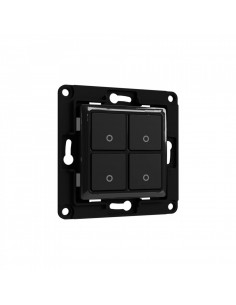
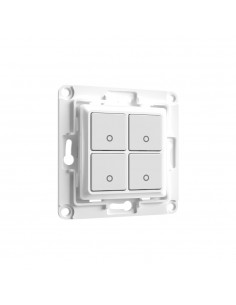
The 4 buttons switch comes with attachable relay holder compatible with the new Shelly Plus relays. Shelly Wall Switch for Smart Relays can fit into any existing wall switch console or even the tiniest spaces, due to...
Shelly Wall Switch 1 - white Shelly Wall Switch 1 - white
-15%
Limited special offer
€7.41 €8.71 No tax
 
The 1 button switch comes with attachable relay holders. Shelly Wall Switch for Smart Relays can fit into any existing wall switch console or even the tiniest spaces, due to its compact dimensions and simple wiring.
€8.35 No tax
Registrate y consigue un descuento
The switch frame needs to be attached to the Switch button. The switch frame comes with a frame plate in the same color for a stylish final touch.
€8.71 No tax
Registrate y consigue un descuento
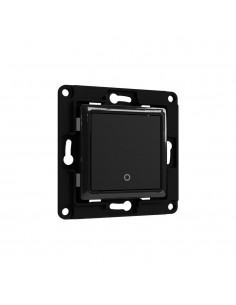
The 1 button switch comes with attachable relay holders. Shelly Wall Switch for Smart Relays can fit into any existing wall switch console or even the tiniest spaces, due to its compact dimensions and simple wiring.
€10.77 No tax
Registrate y consigue un descuento
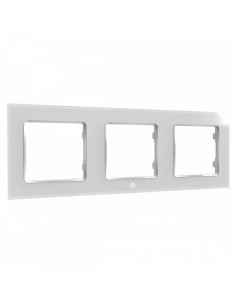
The switch frame needs to be attached to the Switch button. The switch frame comes with a frame plate in the same color for a stylish final touch.
Wall switch 2 white Wall switch 2 white
Pocas uds.
-15%
Limited special offer
€7.41 €8.71 No tax
 
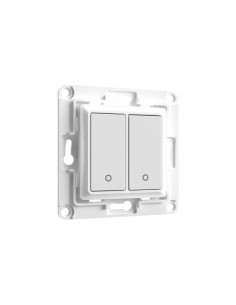
The 2 buttons switch comes with attachable relay holders. Shelly Wall Switch for Smart Relays can fit into any existing wall switch console or even the tiniest spaces, due to its compact dimensions and simple wiring.
€22.39 No tax
Registrate y consigue un descuento
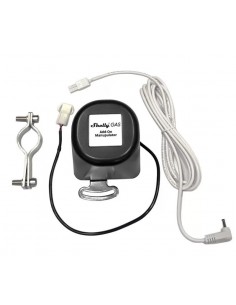
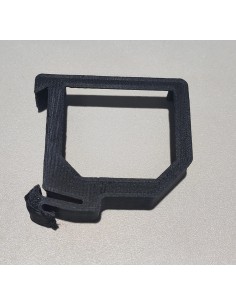
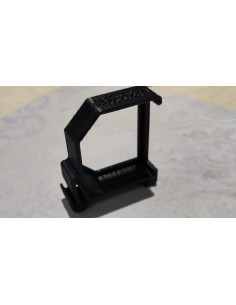
SHELLY GAS ADD-ON MANIPULATOR In combination with the gas sensor the valve actuator cuts off the gas supply if a leak is detected. Its clamp and accessories allow quick and easy installation on the stopcock. It is...
Showing 1-77 of 77 item(s)

Frequently Asked Questions

What are the typical wiring requirements for electrical accessories? +

Electrical accessories typically require specific wiring standards to ensure safe and efficient operation. Common requirements include:

  • Voltage Range: Ensure compatibility with the standard voltage used in your region, usually 230V in Europe.
  • Amperage Limits: Check the amperage rating of the accessory to avoid overloading circuits.
  • Neutral Wire: Many accessories need a neutral wire for proper functionality, especially smart devices.
  • Installation Depth: Adhere to installation depth guidelines to ensure the accessory fits within the wall or junction box.
  • DIN Rail Mounting: If applicable, ensure your accessories are compatible with standard DIN rail dimensions for easy installation.

How can I integrate electrical accessories with Home Assistant? +

To integrate electrical accessories with Home Assistant, you should consider:

  • Checking if the accessory supports MQTT or REST API for communication.
  • Using compatible modules or plugins that facilitate the integration.
  • Configuring the accessory within Home Assistant's configuration files, ensuring it is on the same network.

Make sure to refer to the accessory's documentation for specific integration steps.

What are the differences between types of electrical accessories, such as switches and dimmers? +

The primary differences between electrical accessories like switches and dimmers include:

  • Functionality: Switches simply turn the circuit on or off, while dimmers adjust the brightness level of connected lights.
  • Wiring Complexity: Dimmers often require additional wiring for neutral connections, unlike standard switches.
  • Load Compatibility: Dimmers may have specific requirements regarding the type of bulbs used (e.g., LED, incandescent).

Understanding these differences helps in selecting the appropriate accessory for your installation needs.

What troubleshooting steps should I take if my smart accessory is not responding? +

If your smart accessory is not responding, consider the following troubleshooting steps:

  • Power Supply: Verify that the accessory is receiving power and check circuit breakers.
  • Network Connection: Ensure the device is connected to the correct Wi-Fi network and that the signal is strong.
  • Compatibility: Confirm that the accessory is compatible with your home automation system, such as Alexa or Google Home.
  • Firmware Updates: Check for any firmware updates that might resolve connectivity issues.

Following these steps can help identify the cause of the problem and restore functionality.

What are the installation scenarios for using accessories in home automation systems? +

Installation scenarios for electrical accessories in home automation systems include:

  • Smart Lighting: Installing smart switches or dimmers in place of traditional ones to control lighting via mobile apps.
  • Climate Control: Utilizing smart thermostats that require specific wiring and neutral connections to optimize heating and cooling.
  • Security Systems: Incorporating smart sensors and cameras that can integrate with home automation platforms for remote monitoring.

Each scenario may have unique installation requirements, so always refer to the accessory's manual for guidance.

Menu

Create a free account to save loved items.

Sign in