Blinds

Filter By
€31.34 No tax
Registrate y consigue un descuento
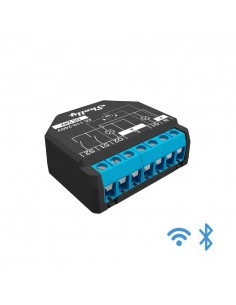
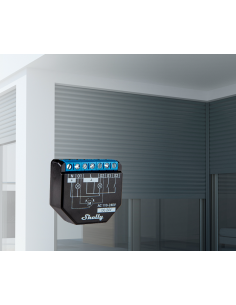
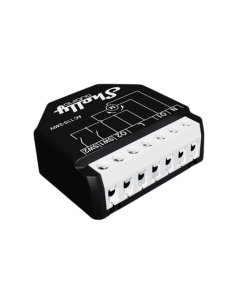
SHELLY PLUS 2PM Shelly Plus 2PM is a one-phase, two channel smart relay supporting up to 10A per channel and 16A total current (18A peak). It is equipped with two power meters for each channel and an overpower...
€100.96 No tax
Registrate y consigue un descuento
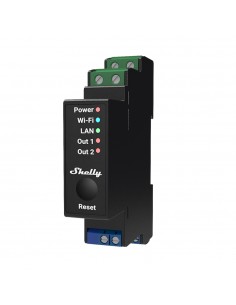
2 channel DIN-rail relay switch with power metering and cover (roller) control Professional 2- channel relay with Wi-Fi, LAN, and Bluetooth connection. Suitable for office and business facility automation with...
Showing 1-9 of 9 item(s)

Frequently Asked Questions

What are the wiring requirements for motorized blinds? +

Motorized blinds typically require a low-voltage power supply, often 12V or 24V DC. Ensure that the wiring is compatible with the blinds' voltage specifications and that the total amperage does not exceed the rated limit of the motor. Neutral wire is generally not required for low-voltage installations.

How do I integrate motorized blinds with Home Assistant or other smart home platforms? +

Most motorized blinds offer compatibility with home automation systems via protocols such as MQTT, REST API, and Matter. Ensure the blinds have a compatible hub or gateway that connects to your smart home network. Check the manufacturer’s documentation for specific integration steps.

What are some common installation scenarios for motorized blinds? +

Motorized blinds can be installed in various setups, such as:

  • Directly mounted on window frames with standard brackets.
  • Installed on a DIN rail if they come with a control unit that fits.
  • Configured to operate with smart home systems for scheduled automation.

What are the differences between roller blinds and Venetian blinds in terms of automation? +

Roller blinds typically use a single motor for opening and closing, while Venetian blinds may require multiple motors for tilting and lifting actions. Roller blinds often have simpler wiring requirements, whereas Venetian blinds may necessitate more complex control systems for simultaneous operation.

What troubleshooting steps should I take if my motorized blinds are not responding? +

First, check the power supply to ensure it is connected and functioning correctly. Next, verify that the control system (hub or app) is configured correctly and is connected to the network. If the blinds are still unresponsive, consult the manufacturer’s troubleshooting guide for specific error codes or issues.

Menu

Create a free account to save loved items.

Sign in