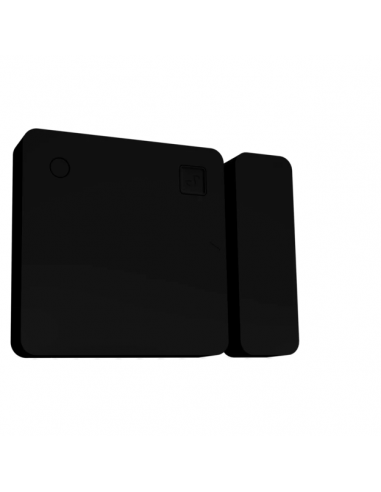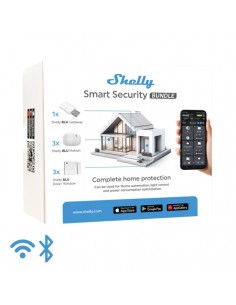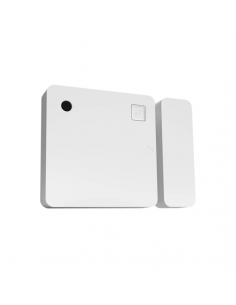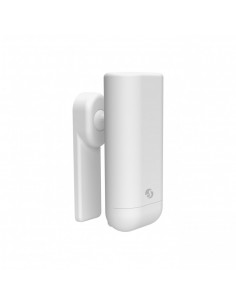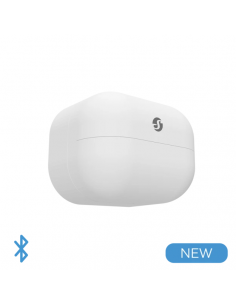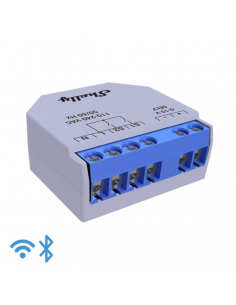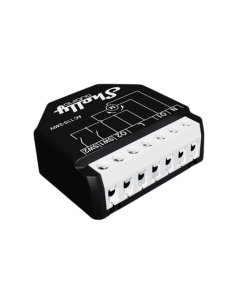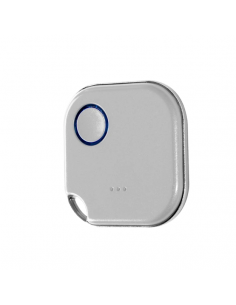
Shelly BLU Puerta/Ventana -negro

Stock de gran volumen
Do you need more than 200 units? Request special conditions for large volume purchases.
Consulta gran volumen Large volume query
Envíos Shipping in 24/48h
Envío gratis Free shipping on orders over €25
Pago seguro Secure payment environment
Reference:
1459000160
Product Details
1459000160

Data sheet

Color
Negre
Objeto
Sensor
Especificaciones
https://kb.shelly.cloud/knowledge-base/shellyblu-door-window
Brand
Shelly
Tipo de producto
Sensores y termostatos
Tecnología
Bluetooth
Instalación
Plug & Play
Tipo de alimentación
Batería

Specific References

EAN13
3800235266618
YOU MIGHT BE INTERESTED IN
RELATED PRODUCTS

Frequently Asked Questions

What are the wiring requirements for the Shelly BLU Puerta/Ventana? +

The Shelly BLU Puerta/Ventana requires a wiring setup that includes a neutral wire for proper operation. It operates within a voltage range of 110-240V AC and supports a maximum amperage of 16A. Ensure that the installation adheres to local electrical standards and regulations.

How can I integrate the Shelly BLU Puerta/Ventana with smart home systems? +

The Shelly BLU Puerta/Ventana is compatible with various smart home platforms including Home Assistant, MQTT, REST API, Alexa, and Google Home. To integrate, ensure that the device is connected to your Wi-Fi network, and follow the setup instructions specific to your smart home platform.

What are common installation scenarios for the Shelly BLU Puerta/Ventana? +

Common installation scenarios for the Shelly BLU Puerta/Ventana include:

  • Automating window and door opening/closing based on time or occupancy.
  • Integrating with motion sensors for security applications.
  • Using in conjunction with other Shelly devices for comprehensive home automation.

What troubleshooting steps should I take if the Shelly BLU Puerta/Ventana is not responding? +

If the Shelly BLU Puerta/Ventana is not responding, consider the following troubleshooting steps:

  • Check the power supply and ensure it is within the specified voltage range.
  • Verify the Wi-Fi connection and ensure the device is connected to the correct network.
  • Inspect the wiring for any loose connections or shorts.
  • Reset the device to factory settings and try reconfiguring it.

What are the differences between the various models of the Shelly BLU Puerta/Ventana? +

The Shelly BLU Puerta/Ventana series typically varies in features such as:

  • Communication Protocols: Some models may support additional protocols like Zigbee or Z-Wave.
  • Amperage Ratings: Higher-rated models may support more powerful devices or higher loads.
  • Automation Features: Certain models may include advanced automation capabilities like geofencing or schedule management.

Menu

Create a free account to save loved items.

Sign in