Pro range

Filter By
€59.94 €59.94 
 
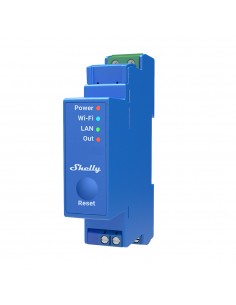
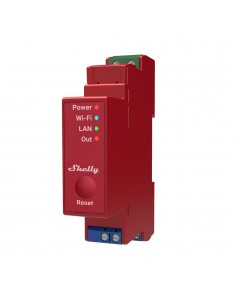
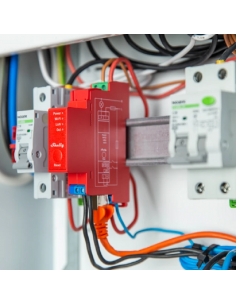
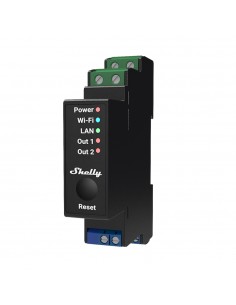
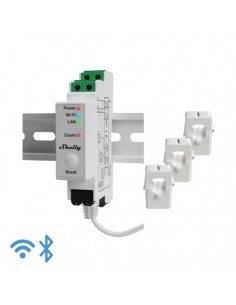
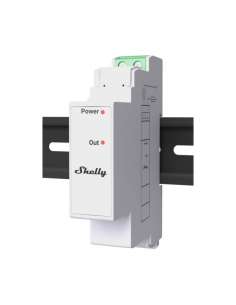
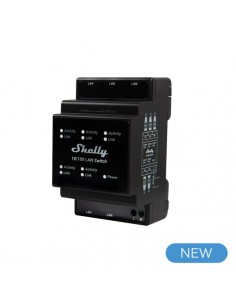
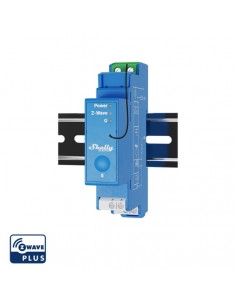
Professional 1 channel relay with Wi-Fi, LAN, and Bluetooth connection, suitable for home and facility automation with remote control. DIN rail mountable insde a breaker box. Enhanced safety features and compatible...
€100.96 €100.96 
 
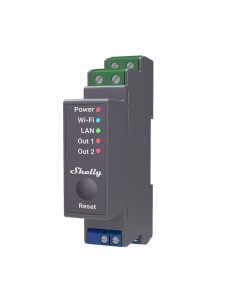
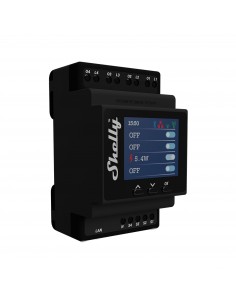
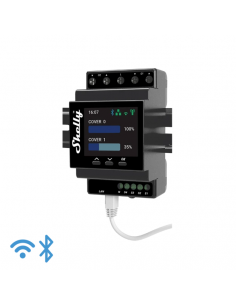
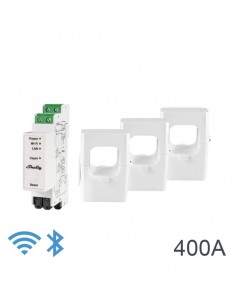
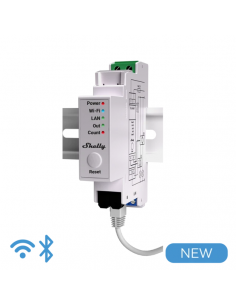
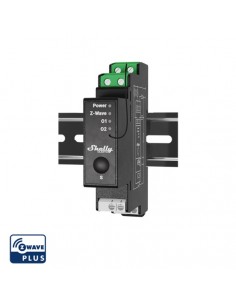
2 channel DIN-rail relay switch with power metering and cover (roller) control Professional 2- channel relay with Wi-Fi, LAN, and Bluetooth connection. Suitable for office and business facility automation with...
Showing 1-28 of 28 item(s)

Frequently Asked Questions

What are the wiring requirements for Pro range devices? +

Pro range devices typically require a neutral wire for proper operation. The voltage range is usually between 230V to 240V AC, and the amperage limits can vary depending on the specific device, so it's essential to check the manufacturer's specifications for each model.

How can I integrate Pro range devices with Home Assistant? +

Pro range devices are often compatible with Home Assistant through MQTT or REST API. Ensure that the devices are connected to the same network as your Home Assistant instance, and follow the integration guide provided by the manufacturer for setup.

What are the typical use cases for Pro range automation devices? +

Pro range devices are commonly used in smart home automation for controlling lighting, heating, and security systems. They can be utilized in residential or commercial settings to enhance energy efficiency and user convenience.

Are there any configuration limitations I should be aware of? +

Some Pro range devices may have limitations on the number of simultaneous connections or specific features available when integrated with platforms like Alexa or Google Home. Always refer to the product documentation to understand these limitations.

What troubleshooting steps should I take if a Pro range device is not responding? +

If a Pro range device is not responding, first check the power supply and ensure that the wiring is correct according to the installation manual. Verify that the device is connected to your network and that any required integration with smart home platforms is properly configured. Restarting the device or performing a factory reset may also resolve connectivity issues.

Menu

Create a free account to save loved items.

Sign in