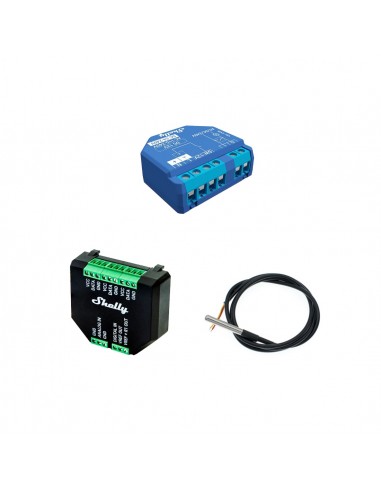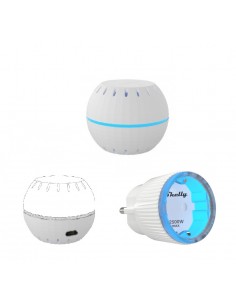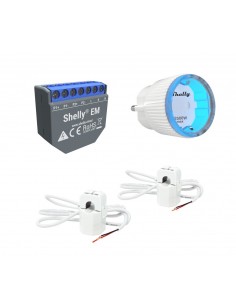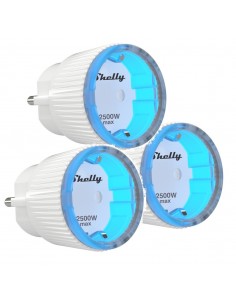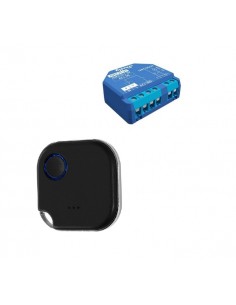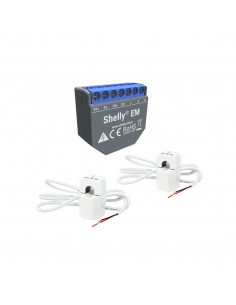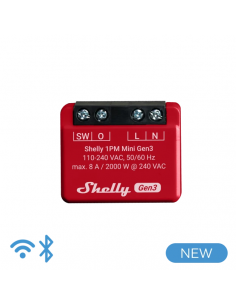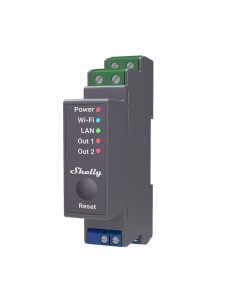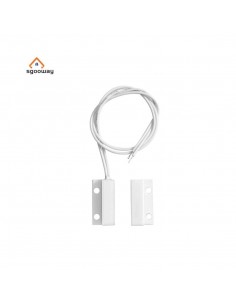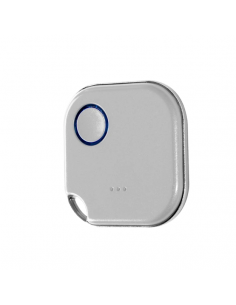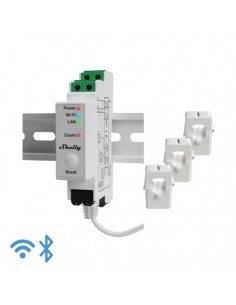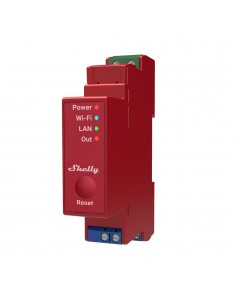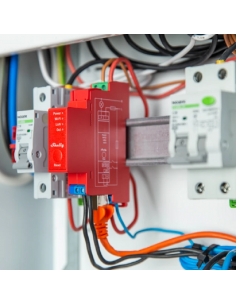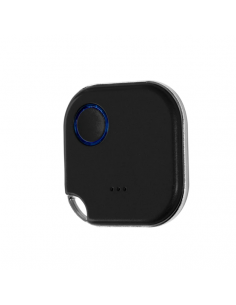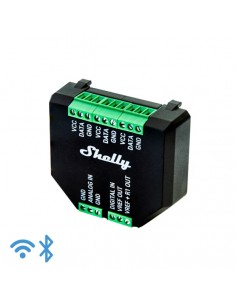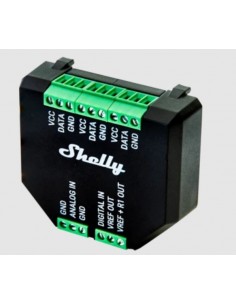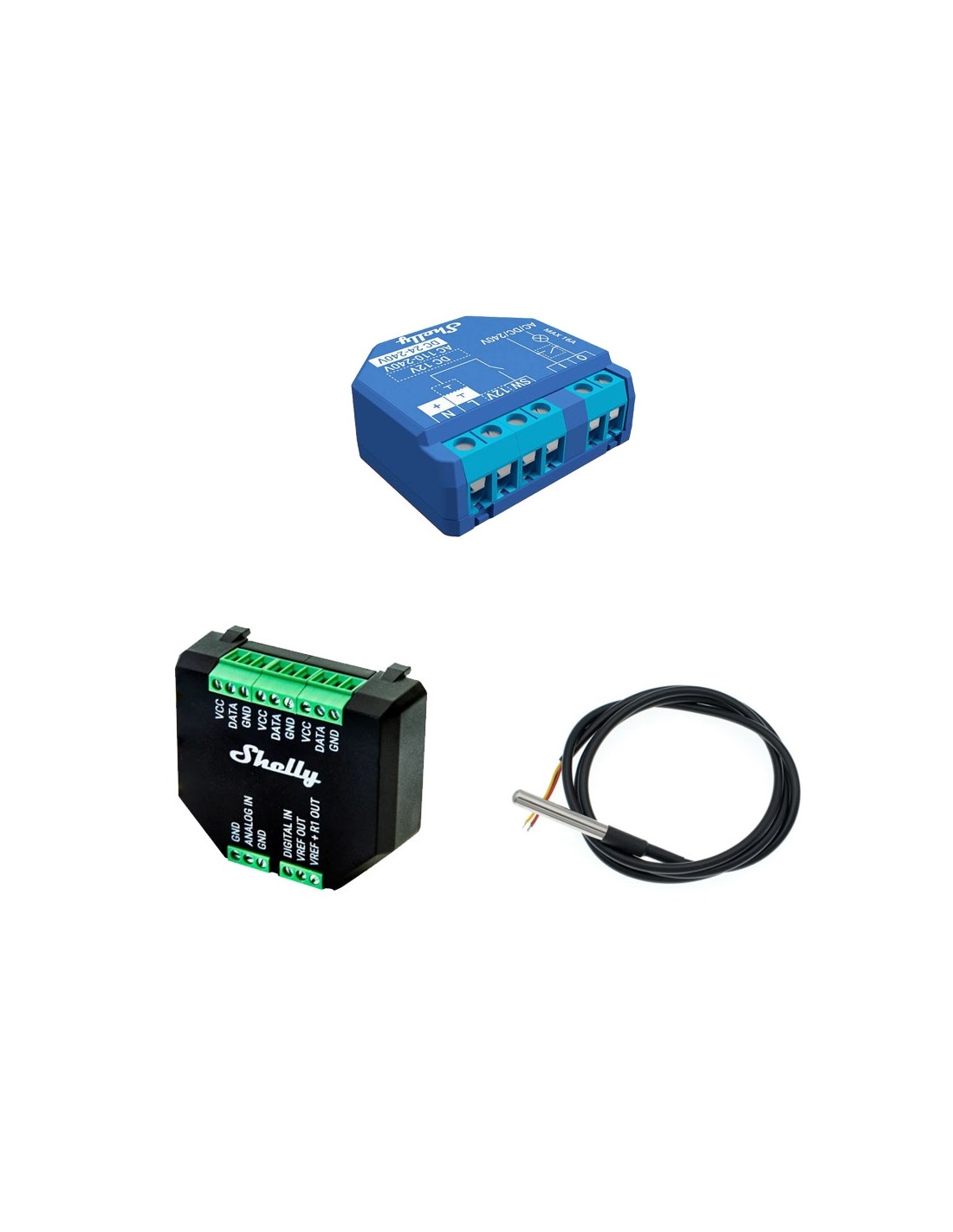
Shelly temperature sensor pack

PACK SENSOR DE TEMPERATURA SHELLY

Read moreShow less
Limited time offer:
€28.28 €34.07
Instead of €34.07
Offer ends in:
This pack contains
En stock

Descuentos por volumen

Cantidad Descuento unitario Usted ahorra
1+ -17% €4.79
Envíos Shipping in 24/48h
Envío gratis Free shipping on orders over €25
Pago seguro Secure payment environment
Reference:
1459000056
Product Details
1459000056

Data sheet

Objeto
Kit sonda de temperatura
YOU MIGHT BE INTERESTED IN
RELATED PRODUCTS

Frequently Asked Questions

What are the wiring requirements for the Shelly temperature sensor pack? +

The Shelly temperature sensor pack typically requires a 12V to 24V DC power supply. Ensure proper polarity when connecting the wires. The sensors do not require a neutral wire, making installation simpler in existing setups.

How do I integrate the Shelly temperature sensor pack with Home Assistant? +

The Shelly temperature sensor pack is compatible with Home Assistant via MQTT or REST API. To integrate, you need to configure the MQTT broker settings in the Shelly app and set up the corresponding entities in Home Assistant for temperature readings.

What are the typical use cases for the Shelly temperature sensor pack? +

Common use cases include monitoring ambient temperature in smart homes, controlling HVAC systems, and ensuring optimal conditions in greenhouses or server rooms. The sensors can trigger actions based on temperature thresholds through automation scripts.

Are there any configuration limitations when using the Shelly temperature sensor pack with Alexa or Google Home? +

While the Shelly temperature sensor pack can be integrated with Alexa and Google Home for voice control, it is important to note that the platforms may not support temperature readings directly. You may need to create routines or automations within the Shelly app or Home Assistant to utilize the data effectively.

What troubleshooting steps should I take if the Shelly temperature sensor pack is not reporting data? +

If the sensors are not reporting data, check the following:

  • Ensure the power supply is connected correctly and within the required voltage range.
  • Verify that the sensors are properly configured in the Shelly app.
  • Check the MQTT broker connection if using Home Assistant.
  • Inspect the wiring for any loose connections or damage.

Menu

Create a free account to save loved items.

Sign in