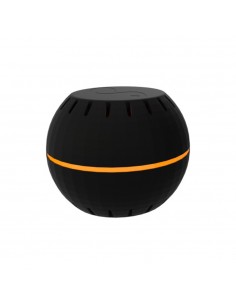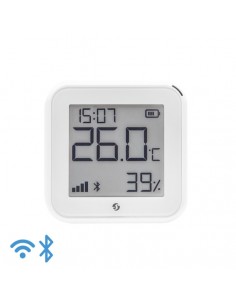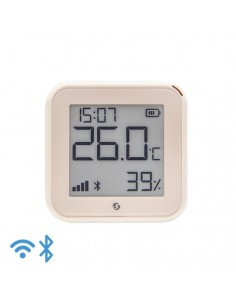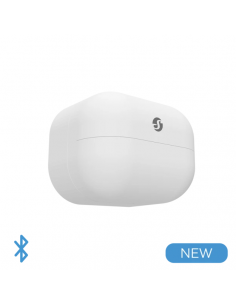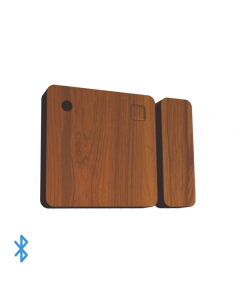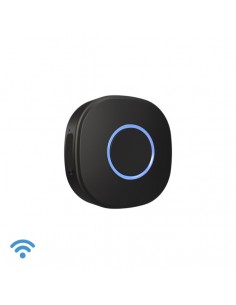
Shelly BLU H&T
Frequently Asked Questions
What are the wiring requirements for installing the Shelly BLU H&T? +
The Shelly BLU H&T operates on a low-voltage power supply, typically requiring a connection of 12-24V DC. Ensure that the power supply meets the voltage range specifications, and verify the amperage limits do not exceed 2A. A neutral wire is not required for its operation, simplifying installation in various settings.
Is the Shelly BLU H&T compatible with Home Assistant and other automation systems? +
Yes, the Shelly BLU H&T is compatible with Home Assistant, MQTT, REST API, and can be integrated with Matter, Alexa, and Google Home. This compatibility allows for flexible automation scenarios and seamless integration into existing smart home setups.
What are typical use cases for the Shelly BLU H&T? +
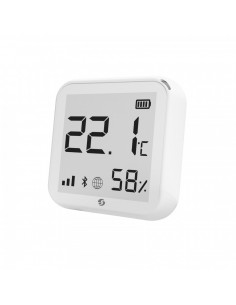
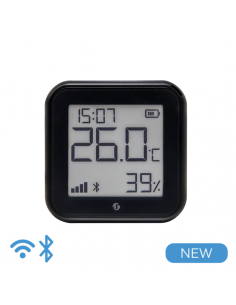
The Shelly BLU H&T is primarily used for monitoring temperature and humidity levels in residential or commercial environments. It is ideal for applications such as:
- Indoor climate control
- Greenhouses monitoring
- Smart home automation for HVAC systems
- Data logging for environmental conditions
How can I troubleshoot connectivity issues with the Shelly BLU H&T? +
If you experience connectivity issues, first check that the device is within range of your Wi-Fi network. Ensure that the firmware is up to date. Additionally, verify the power supply is functioning correctly and that the device is properly configured to connect to your home automation platform. Resetting the device to factory settings may also resolve persistent issues.
What are the differences between the Shelly BLU H&T and other devices in the Shelly product line? +
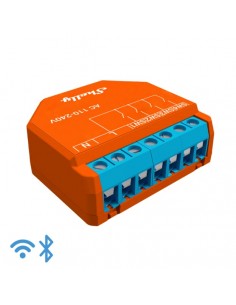
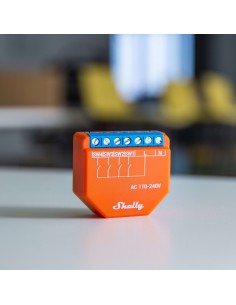
The Shelly BLU H&T differs from other Shelly devices primarily in its specific focus on temperature and humidity sensing. Unlike Shelly's smart relays, which control power to devices, the BLU H&T is designed to monitor environmental conditions and facilitate automation based on those readings. Other devices may vary in supported protocols, power requirements, and functionalities, making it essential to choose the right device for your specific application.