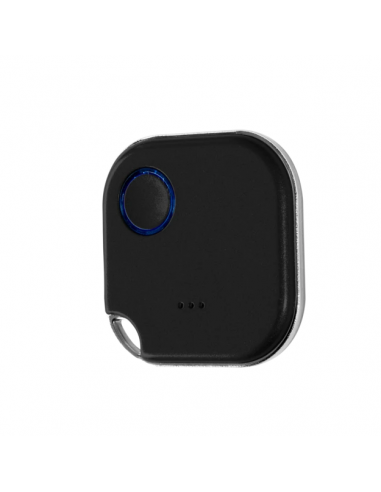
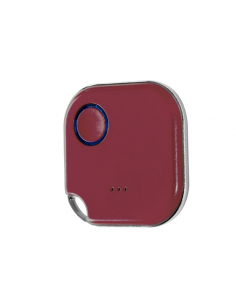
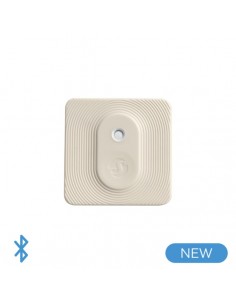
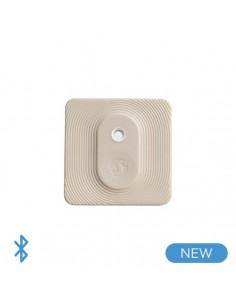
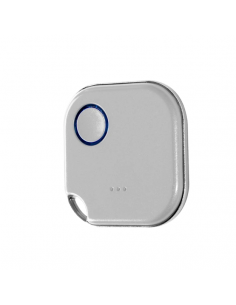
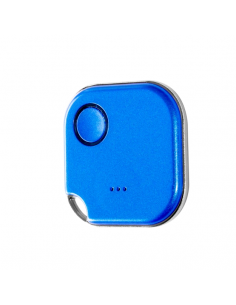
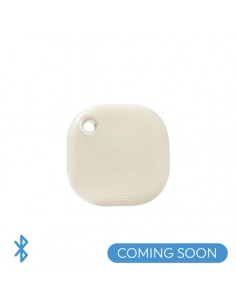
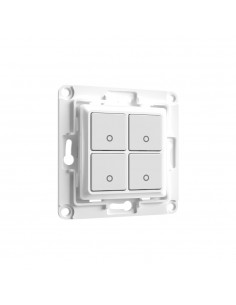
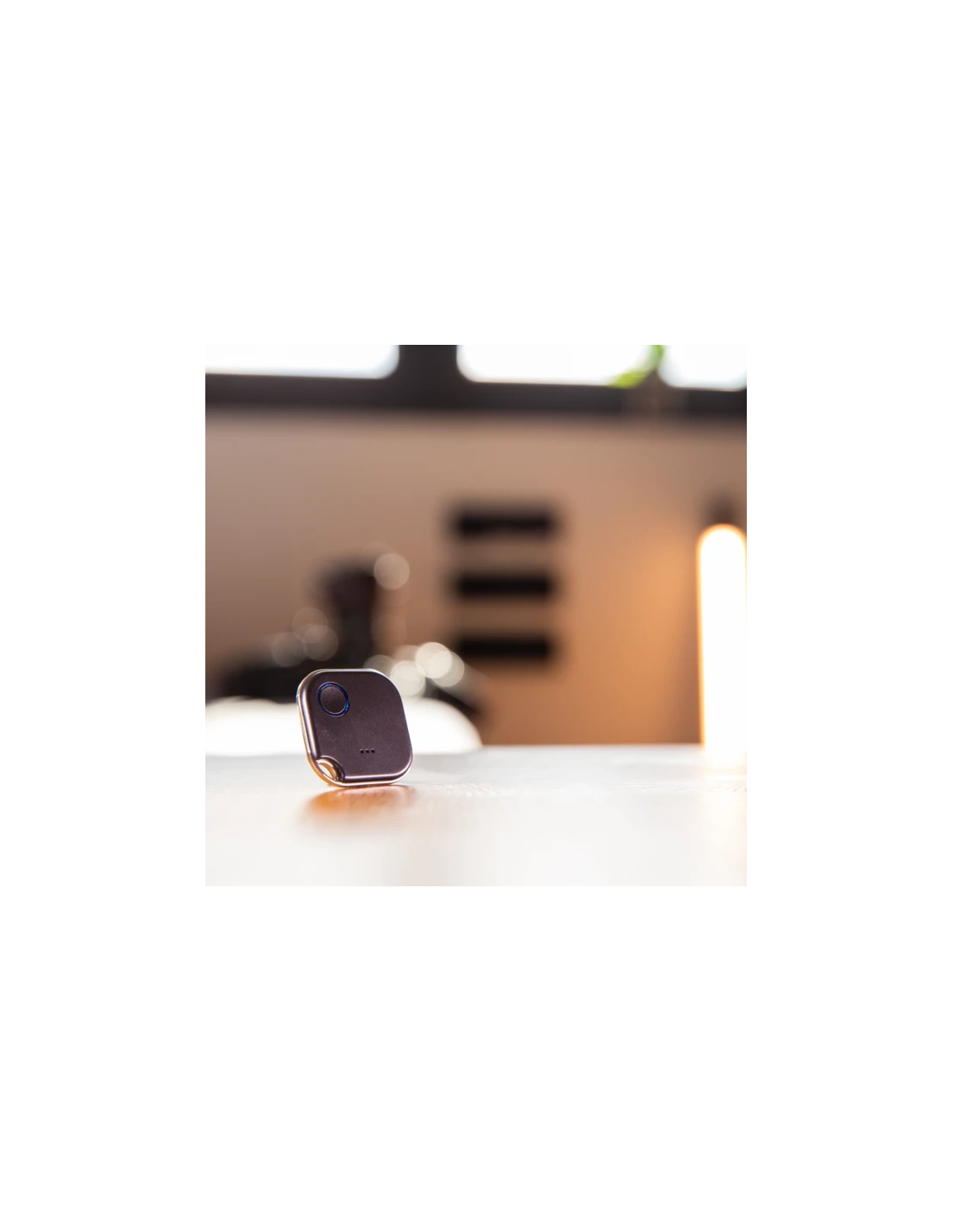
Shelly BLU Button1 - negro
Frequently Asked Questions
What are the wiring requirements for the Shelly BLU Button1? +
The Shelly BLU Button1 operates using a battery and does not require traditional wiring. It is designed for easy installation without the need for a neutral wire. However, ensure that the battery is properly installed and that the device is within range of your Wi-Fi network for optimal performance.
Is the Shelly BLU Button1 compatible with Home Assistant and other automation platforms? +
Yes, the Shelly BLU Button1 is compatible with Home Assistant, MQTT, and REST API, allowing for seamless integration into various smart home ecosystems. It can also be controlled via Alexa and Google Home for voice activation.
What are typical use cases for the Shelly BLU Button1? +
The Shelly BLU Button1 can be used in various scenarios, such as:
- Controlling lights and appliances remotely
- Triggering scenes in smart home setups
- Activating automation routines in response to button presses
What troubleshooting steps should I take if the Shelly BLU Button1 is not responding? +
If the Shelly BLU Button1 is unresponsive, follow these steps:
- Check the battery level and replace it if necessary.
- Ensure the device is within Wi-Fi range.
- Restart the device by removing and reinserting the battery.
- Check for firmware updates through the Shelly app.
Are there differences between the Shelly BLU Button1 and other devices in the Shelly button category? +
Yes, the Shelly BLU Button1 differs from other Shelly buttons primarily in its connectivity options and features. While some buttons may require wiring or have different functionalities, the BLU Button1 is specifically designed for wireless use and ease of installation without the need for neutral wiring.