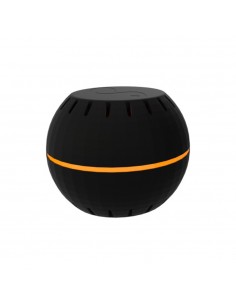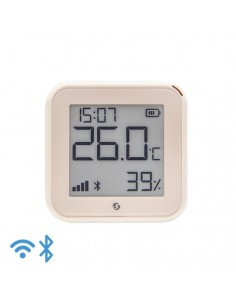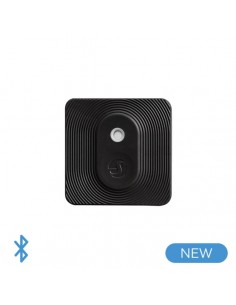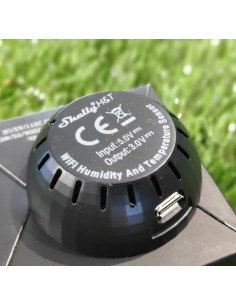
Sensor Shelly Motion

SHELLY MOTION

Always-on Wi-Fi motion sensor with over 1 year of battery life, powered by Silicon Labs Wi-Fi IoT Solutions. With a 6500 mAh rechargeable battery.

Compatible with Alexa.
Read moreShow less
€39.89
Registrate y consigue un descuento
¡Pocas unidades! Solo quedan 16
Envíos Shipping in 24/48h
Envío gratis Free shipping on orders over €25
Pago seguro Secure payment environment
Reference:
075072
Product Details
075072

Specific References

EAN13
3800235262511
YOU MIGHT BE INTERESTED IN
RELATED PRODUCTS

Frequently Asked Questions

What are the typical installation scenarios for the Shelly Motion sensor? +

The Shelly Motion sensor is ideal for various installation scenarios, including:

  • Installing in hallways or entryways to detect movement and trigger lights.
  • Using in smart home automation systems to activate scenes based on detected motion.
  • Placing in outdoor areas (protected from rain) to monitor activity and enhance security.

Is the Shelly Motion sensor compatible with home automation systems? +

Yes, the Shelly Motion sensor is compatible with:

  • Alexa for voice control integration.
  • Home Assistant through MQTT and REST API for advanced automation setups.
  • Other MQTT-compatible platforms, allowing flexible integrations with various smart home systems.

What are the wiring requirements for the Shelly Motion sensor? +

The Shelly Motion sensor is a wireless device and does not require direct wiring. It operates on a rechargeable 6500 mAh battery, eliminating the need for neutral wire connections or permanent wiring installations.

What are the configuration limitations of the Shelly Motion sensor? +

Configuration limitations include:

  • Motion detection sensitivity settings may vary and can be configured via the Shelly app.
  • The device requires a stable Wi-Fi connection for optimal performance, which may limit installation locations.

What troubleshooting steps can I take if my Shelly Motion sensor is not detecting motion? +

If your Shelly Motion sensor is not detecting motion, consider the following troubleshooting steps:

  • Ensure the sensor is within range of your Wi-Fi network.
  • Check the battery level; recharge if necessary.
  • Verify the motion sensitivity settings in the app.
  • Confirm that the sensor is not obstructed by furniture or other objects.

Menu

Create a free account to save loved items.

Sign in