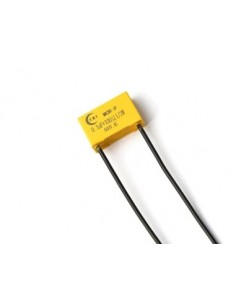
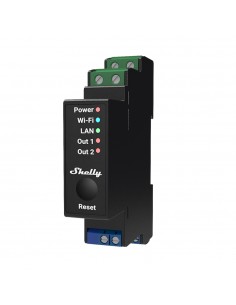
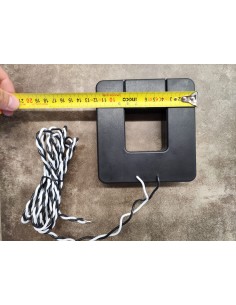
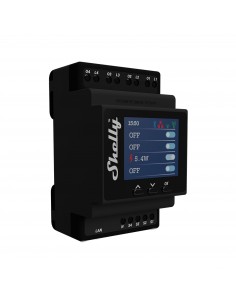
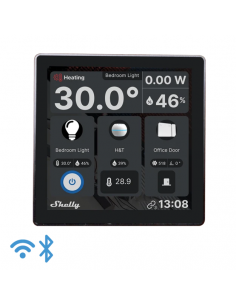
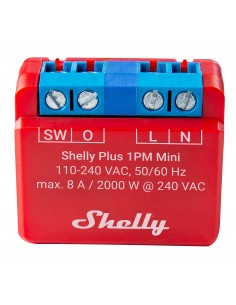
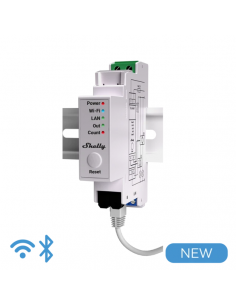
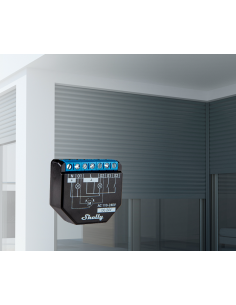
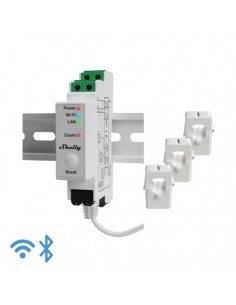
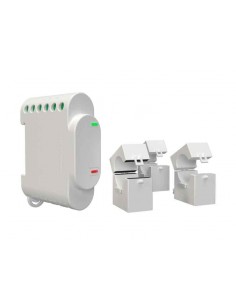
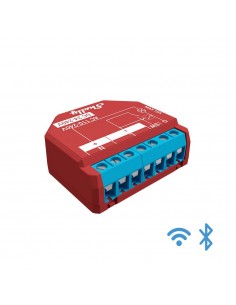
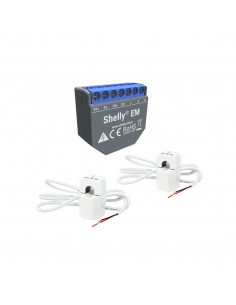
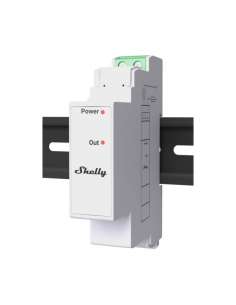
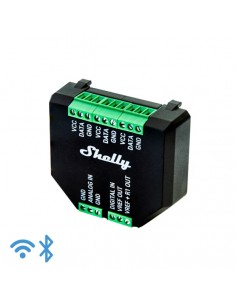
Shelly Pro 3EM-400A
Data sheet
- Color
- Blanc
Verde
- Objeto
- Medidor de energia
- Especificaciones
- https://kb.shelly.cloud/knowledge-base/shelly-pro-3em-400
https://kb.shelly.cloud/knowledge-base/wave-1pm
https://kb.shelly.cloud/knowledge-base/wave-pm-mini
- Tipo de producto
- Medidores de energía
- Tecnología
- Bluetooth
LAN
- Instalación
- Montaje DIN
Requiere instalación cableada
Specific References
- EAN13
- 3800235268117
Frequently Asked Questions
What are the wiring requirements for the Shelly Pro 3EM-400A? +
The Shelly Pro 3EM-400A requires a three-phase connection for proper operation. Each phase must be wired with a maximum voltage of 400V AC and an amperage limit of 63A per phase. Ensure that a neutral wire is present for accurate energy measurement and device functionality.
What are typical installation scenarios for the Shelly Pro 3EM-400A? +
Common installation scenarios for the Shelly Pro 3EM-400A include:
- Monitoring and managing three-phase energy consumption in commercial settings.
- Integration with existing smart home systems for automated energy management.
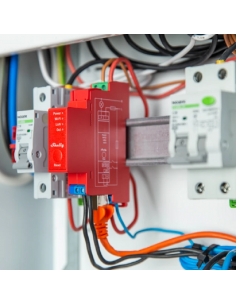
- Installation in electrical panels for real-time energy tracking.
Is the Shelly Pro 3EM-400A compatible with Home Assistant and MQTT? +
Yes, the Shelly Pro 3EM-400A is compatible with Home Assistant, MQTT, and REST API for integration into smart home systems. This allows for remote monitoring and control through various automation platforms.
What are the configuration limitations of the Shelly Pro 3EM-400A? +
The Shelly Pro 3EM-400A has limitations regarding the configuration of dry contacts, which are limited to selected scenarios. Additionally, ensure that the device is correctly configured to operate within its specified voltage and current limits to avoid malfunction.
What troubleshooting steps should I take if the Shelly Pro 3EM-400A is not reporting accurate energy consumption? +
If the Shelly Pro 3EM-400A is not reporting accurate energy consumption, check the following:
- Verify that all wiring connections are secure and that the device is properly grounded.
- Ensure that the correct voltage and amperage limits are not exceeded.
- Check for any firmware updates that might address known issues.
- Confirm that the neutral wire is correctly connected, as it is essential for accurate measurements.