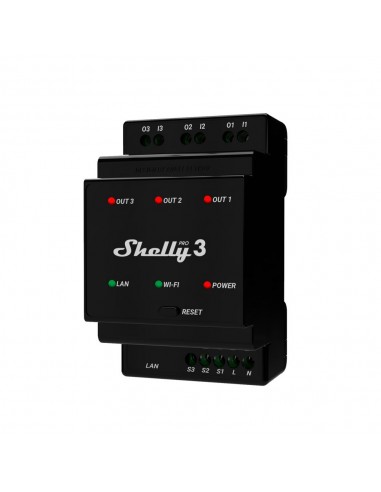
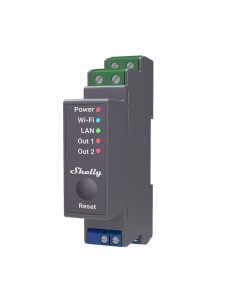
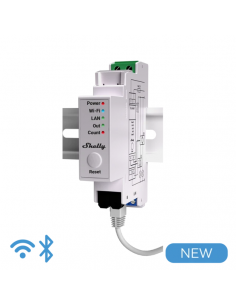
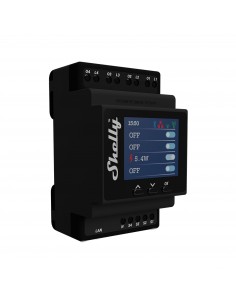
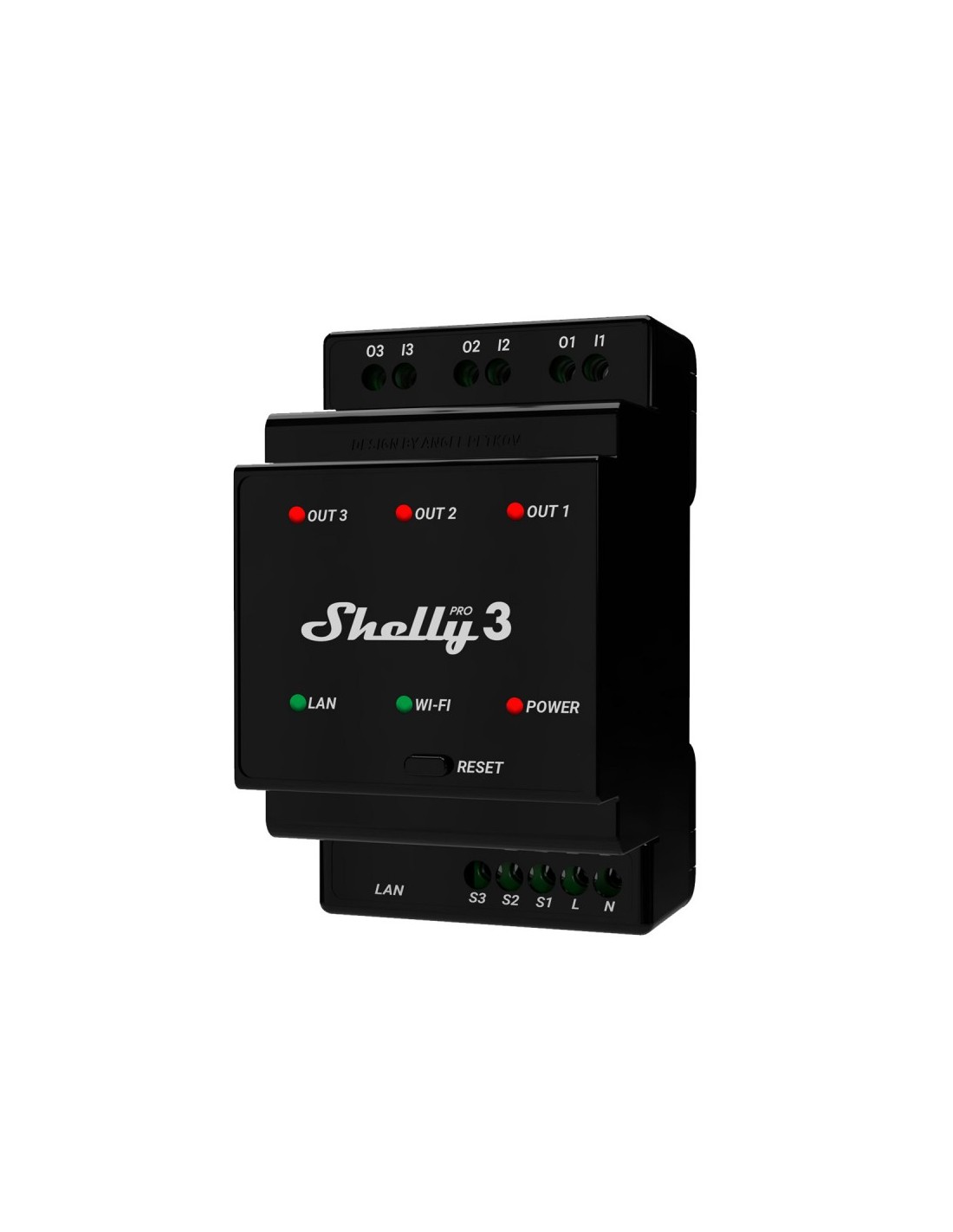
Shelly Pro 3
Data sheet
- Color
- Negre
- Composició
- Llana
- Objeto
- Interruptor
Relé
- Especificaciones
- https://kb.shelly.cloud/knowledge-base/shelly-pro-3-v1
- Potencia nominal
- 150
- Tipo de producto
- Interruptor de relé
- Tecnología
- Bluetooth
KNX/IP
LAN
Wi-Fi
- Instalación
- 1 fase
2 fases
3 fases
Montaje DIN
Requiere instalación cableada
- Tipo de luz
- Interruptor
- Entradas
- 3 entradas
- Salidas
- 3 canales
AC
DC
Libres de potencial / Contactos secos
- Amperaje
- Hasta 16A (por canal)
Hasta 48A
- Tipo de alimentación
- AC
Specific References
- EAN13
- 3800235268094
Frequently Asked Questions
What are the wiring requirements for the Shelly Pro 3? +
The Shelly Pro 3 requires a standard voltage range of 110-240V AC and can handle an amperage of up to 16A per channel. It is essential to ensure that a neutral wire is available in the installation point, as the device requires it for proper operation. The installation depth should be compatible with standard electrical boxes, typically requiring at least 70mm of depth for proper mounting.
How can I integrate the Shelly Pro 3 with Home Assistant? +
The Shelly Pro 3 can be easily integrated with Home Assistant using the MQTT protocol or through the REST API. For MQTT integration, you will need to configure the MQTT settings in the Shelly app and ensure that the Home Assistant MQTT broker is set up correctly. This allows for real-time status updates and control of the device through Home Assistant.
What are the typical use cases for the Shelly Pro 3? +
The Shelly Pro 3 is commonly used for smart home automation, including controlling lighting circuits, managing heating systems, or automating appliances. It can be used in scenarios like creating automated lighting schedules, controlling HVAC systems remotely, or integrating with other smart home devices for enhanced automation.
What troubleshooting steps should I take if my Shelly Pro 3 is not responding? +
If the Shelly Pro 3 is not responding, first check the power supply and ensure that the voltage is within the specified range. Verify the wiring connections, particularly the neutral wire, as improper connections can lead to device failure. Additionally, ensure that your Wi-Fi connection is stable and that the device is correctly configured within the Shelly app. Resetting the device may also resolve connectivity issues.
What are the differences between the Shelly Pro 3 and other devices in the Shelly Pro series? +
The Shelly Pro 3 differs from other devices in the Shelly Pro series primarily in the number of channels it supports and its amperage capacity. While some devices may only support single channels or lower amperage limits, the Shelly Pro 3 can control up to three separate circuits at 16A each. This makes it suitable for more complex installations that require multiple load control.